
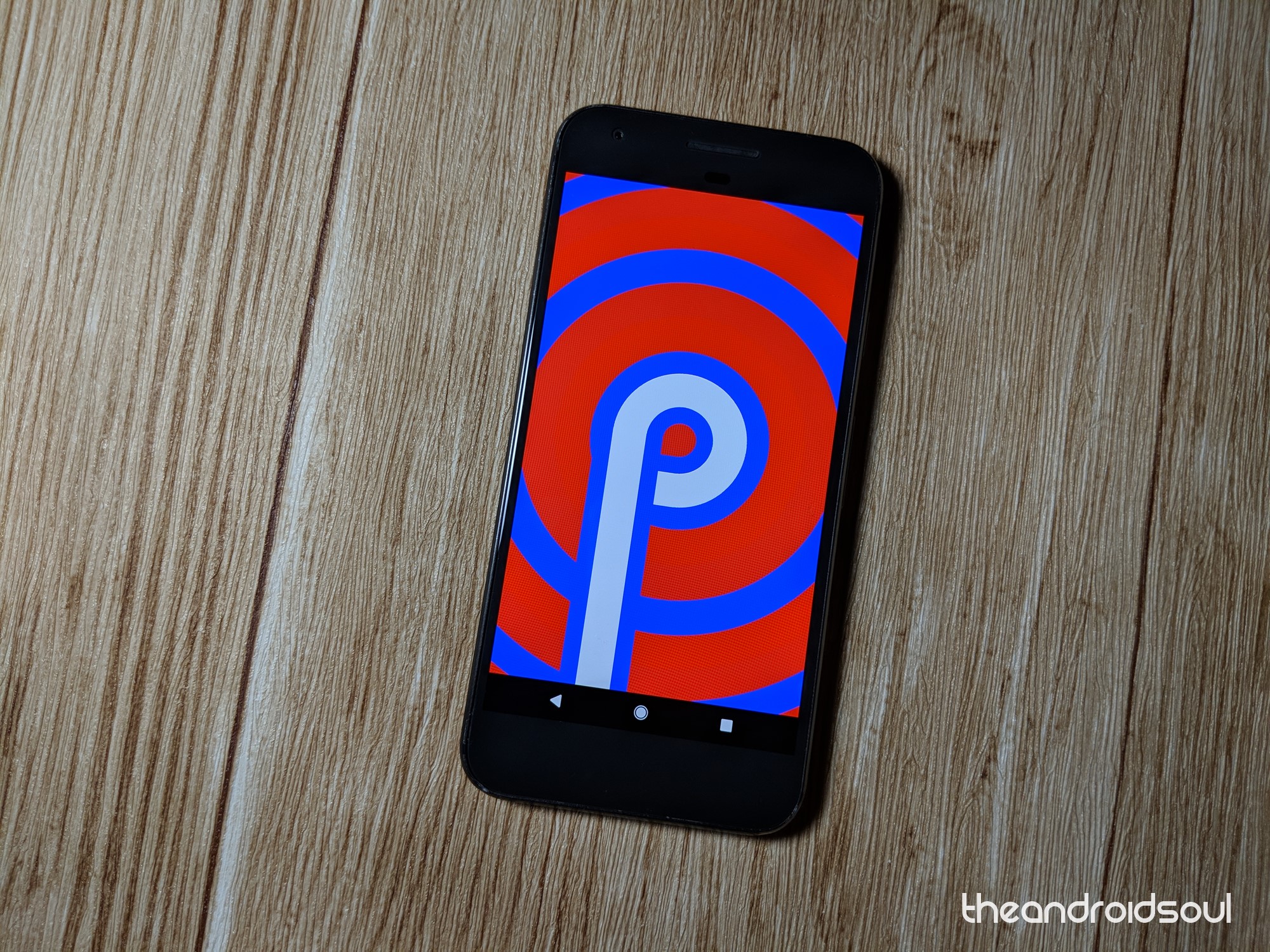
Android Pie is here and while most people haven’t even received the Android Oreo, it’s worth looking ahead to what’s coming. This is the ninth full version of the popular OS and with it comes a myriad of new features as well as improvements to those that made their debut with Oreo.
Despite all the goodies that Android Pie promises, the most important question that many are asking is when. Right now, everyone wants to know when Android Pie will arrive on their phones, a question that isn’t so easy to answer. But of course, based on our own experience, we have some educated guesses of when to expect the OS on your phone.
In this post, we have put together an OEM-wise list of popular Android devices that we think will be upgraded to Android 9 Pie, but this is just us making educated guesses. Note that if your device is missing on the list, it’s likely not to receive Android 9. But of course, this list is not final and as such, we’ll constantly update it with new info (devices) when we get it.
Asus
Asus is expected to upgrade devices from 2017 and 2018 to Android Pie, more so those that came preinstalled with Nougat. We are talking the ZenFone 4 and ZenFone 5 families and probably the ZenFone 3s Max, which means the likes of ZenFone 3, including the flagship Deluxe, won’t be upgraded to Pie. The ZenFone Max M1 and Max Pro M1 are also expected to receive Asus Android 9 Pie update, but the same cannot be said of the ZenFone Max Plus M1, which has Nougat out of the box.
| Device | Android Pie eligibility | Expected release date |
| Asus ZenFone 5 | Eligible | Q4 2018 |
| Asus ZenFone 5Z | Eligible | Q4 2018 |
| Asus ZenFone 5 Lite (5Q) | Eligible | Q1 2019 |
| Asus ZenFone Max (M1) | Eligible | Q1 2019 |
| Asus ZenFone Max Pro (M1) | Eligible | Q4 2018 |
| Asus ROG Phone | Eligible | Q1 2019 |
| Asus Zenfone 4 Pro | Eligible | Q4 2018 |
| Asus Zenfone 4 ZE554KL | Eligible | Q2 2019 |
| Asus Zenfone AR ZS571KL | Eligible | Q1 2019 |
| Asus ZenFone Live (Go edition) | Eligible | Q1 2019 |
| Asus ZenFone Max Plus (M1) | Not eligible | — |
| Asus Zenfone 4 Max Plus ZC554KL | Not eligible | — |
| Asus Zenfone 4 Max Pro ZC554KL | Not eligible | — |
| Asus Zenfone 4 Max ZC520KL | Not eligible | — |
| Asus Zenfone 4 Max ZC554KL | Not eligible | — |
| Asus Zenfone 4 Selfie Pro ZD552KL | Not eligible | — |
| Asus Zenfone 4 Selfie ZD553KL | Not eligible | — |
| The entire Asus Zenfone 3 series, including ZenFone 3 Deluxe | Not Eligible | — |
BlackBerry
BlackBerry hasn’t been around for long and even though it doesn’t have many devices to upgrade, it hasn’t been the best out there. The Canadian company has been slow with Oreo updates and we don’t expect anything different in the case of Android Pie. Even worse is that we don’t think any of the device’s current handsets will be upgraded to P unless BB has a surprise in store.
Source>>>http://bit.do/eyXFS
Comments